Click to download now, finish the installation quickly, and directly unlock the all-round experience
Screenshots
Click to download now, finish the installation quickly, and directly unlock the all-round experience
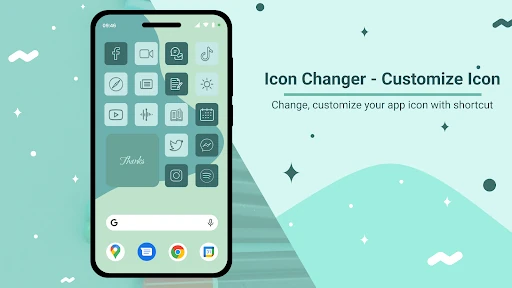
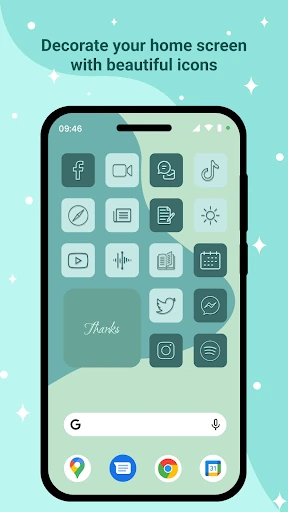
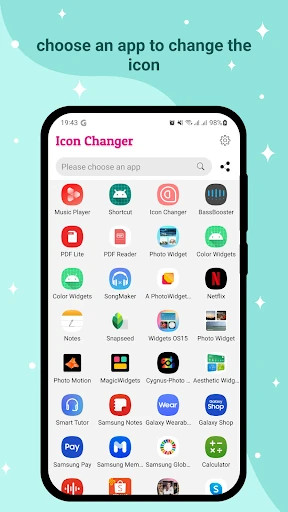
Icon Changer - Customize Icon is for Android users who want to give individual apps a different look on the home screen. It creates customized shortcuts using your own images, artwork from the gallery, photos from the camera, or icons taken from other installed apps. You can also change the displayed app label, making it useful for a themed layout or a cleaner set of names.
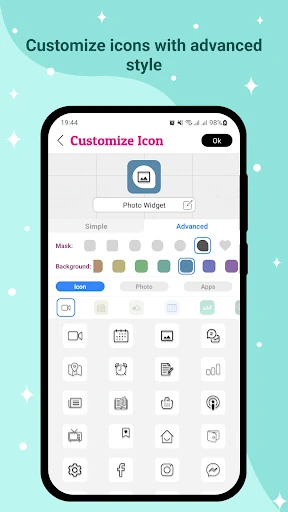
The useful detail here is control at the app-by-app level. Instead of applying one complete theme, you can decide which icons to change and how each one should appear. Backgrounds, masks, and imported icon packs help bring mismatched icons closer to the same shape or visual style.
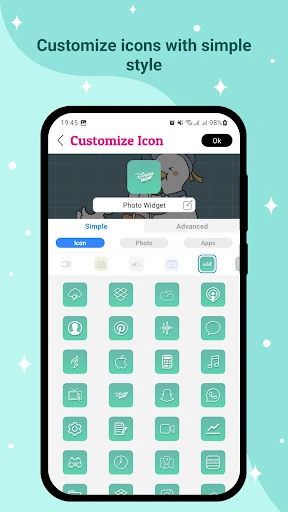
The app offers simple and advanced customization paths, so a quick icon swap does not require working through every available option. More involved designs can use layered styling and extra icon resources. That makes it a practical fit for people who want more than a standard icon pack but do not want to replace their launcher just to adjust a few shortcuts.
Icon Changer - Customize Icon is worth noticing when your goal is specific: change selected app icons and labels while keeping the rest of your Android setup intact. It belongs in the Personalization category for that focused, hands-on approach rather than for offering a broad collection of unrelated customization tools.