
Click to download now, finish the installation quickly, and directly unlock the all-round experience
Screenshots
Click to download now, finish the installation quickly, and directly unlock the all-round experience
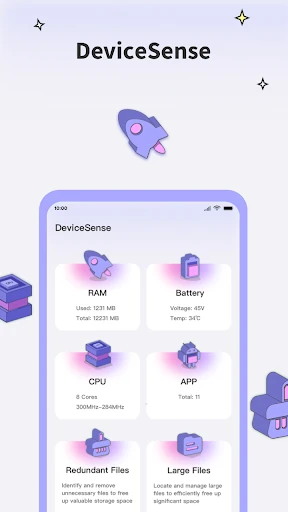
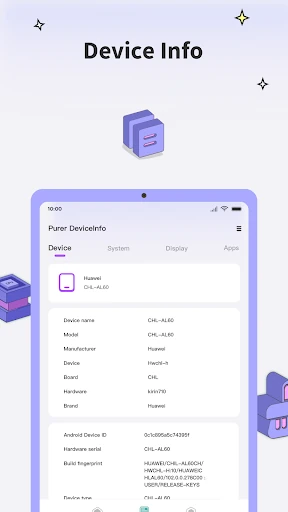
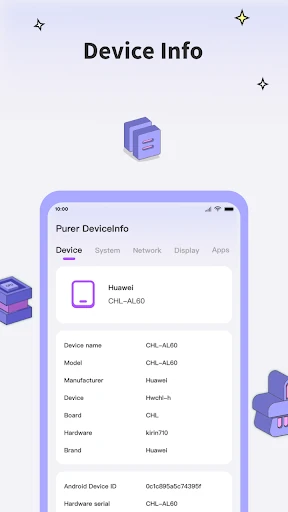
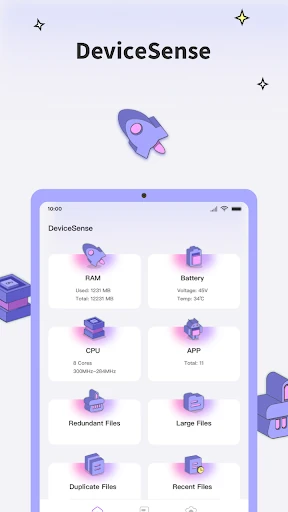
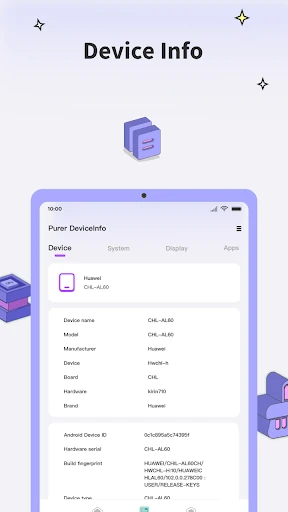
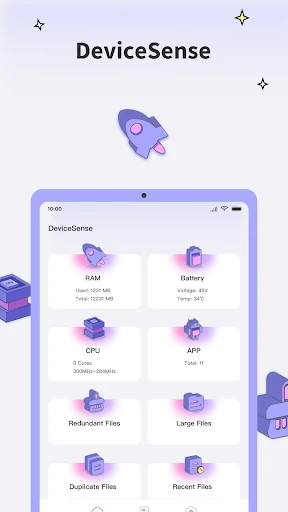
Devicesense is a tools app for Android users who want a clearer view of their phone’s hardware, system state, and storage. It brings together details such as CPU activity, memory use, screen information, battery status, and system versions, making it suited to people who would rather inspect a device than rely on vague performance claims.
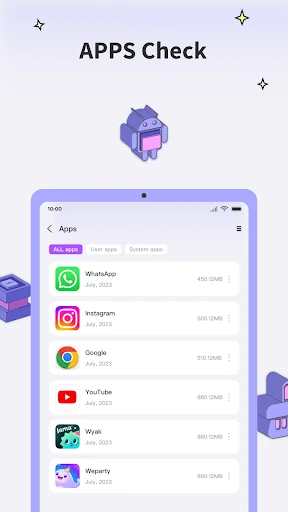
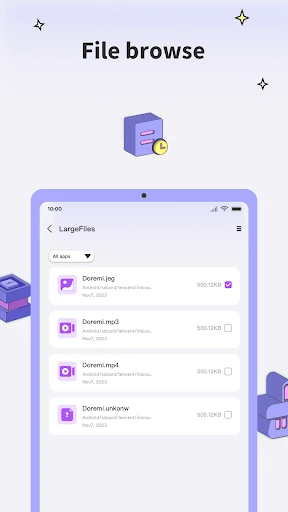
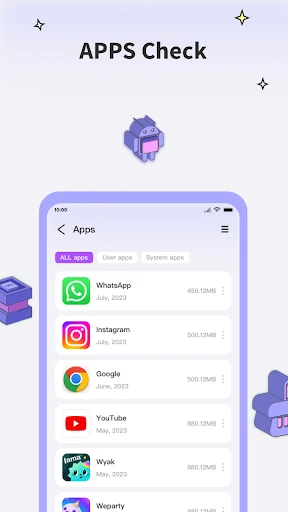
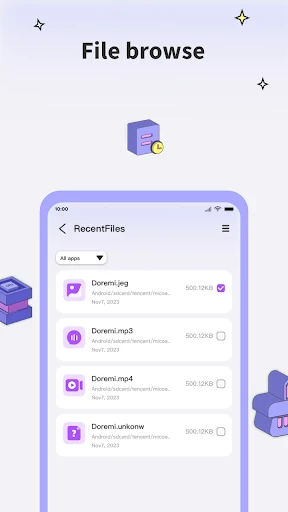
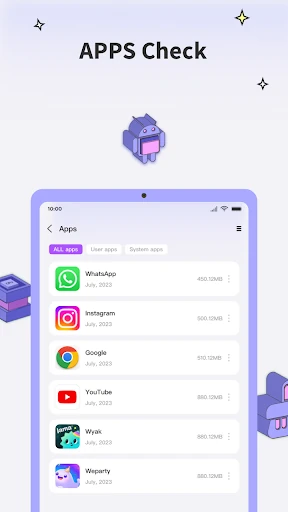
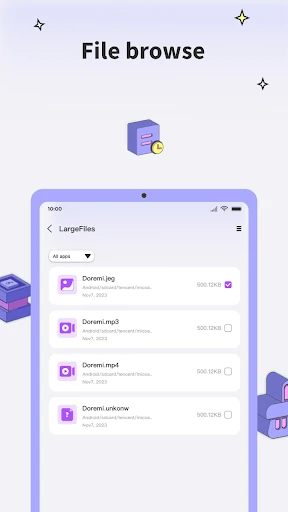
Its useful distinction is the combination of hardware monitoring and app auditing. Devicesense can show information about installed apps, including update history and permissions, so you can check which apps have access to sensitive areas or may be using more resources than expected. It also helps identify large, duplicate, and unnecessary files when storage needs attention.
Devicesense fits users who want practical system information without assembling several separate tools. It is especially relevant when a phone feels slower, storage is running low, or an installed app’s access and resource use deserves a closer look. Casual users may find the amount of technical information more than they need, but that depth is the point for anyone diagnosing a device.
Developed by mohamed ait hada, Devicesense has a 4.46 rating from 9,453 reviews and more than 1,000,000 installs. Those figures place it among the more established choices in the Tools category, while its main reason for attention remains straightforward: it gives you a detailed inspection of both the phone itself and the apps using it.